Secure Disk for BitLocker now supports OTP authenticator apps. They work like an extra BitLocker protector: before Windows starts, the user enters the username and the 6-digit code from Google Authenticator, Microsoft Authenticator or any other TOTP app, and the BitLocker-protected Windows PC boots. No extra hardware, no SMS, no internet.
Authenticator apps usually protect sign-ins once Windows is running. Secure Disk for BitLocker brings the one-time code to pre-boot: it works like an extra BitLocker protector, so the user can boot a BitLocker-protected Windows PC with it.
SMS and push sign-ins depend on a mobile network or a cloud service, and they only protect accounts once Windows is running. Windows BitLocker itself offers no OTP protector for the system drive.
Secure Disk for BitLocker adds the OTP authenticator app as an additional way to unlock the Windows system drive, before Windows starts. The code is generated on the smartphone, changes every 30 seconds and is checked fully offline on the PC. Because the smartphone must first be unlocked with PIN or biometrics, it is multi-factor authentication.
No tokens, cards or readers to buy, ship or replace. The smartphone your users already have is enough.
Google Authenticator, Microsoft Authenticator, FreeOTP or any other TOTP app following the open RFC 6238 standard. Users add one more entry, that's it.
The app creates codes on the phone without a network. No SMS, no push service and no internet are needed at boot.
The phone must be unlocked with PIN, fingerprint or face before the app shows the code: something you have plus something you know or are.
Every code is valid only for a short time window. A code that is seen or written down is useless moments later.
At the first boot, Secure Disk for BitLocker shows a QR code. The user scans it with the app, done. No hardware logistics, no waiting for deliveries.
Most users already have an authenticator app for their work and private accounts. Unlocking BitLocker with Secure Disk for BitLocker is simply one more entry in the same app, and all other entries keep working as before.
We encourage you to use the authenticator apps your users already have. No new app, no new hardware, no new habit.
Check my OTP appSecure Disk for BitLocker starts its pre-boot authentication before Windows loads. The BitLocker volume stays locked.
The user types the username at the pre-boot screen.
The user opens the authenticator app on the smartphone and types the current 6-digit code. Secure Disk for BitLocker verifies it, fully offline.
The drive is decrypted and Windows starts. With single sign-on, the user continues straight to the desktop.
An online demo with our engineers, from the first-use QR code to the Windows desktop.
Works with standard time-based one-time password apps on iOS and Android.
Phone unlock with PIN or biometrics plus the current 6-digit code, entered with the username at pre-boot.
No SMS, push service or internet connection needed at boot.
At first boot, users scan a QR code and add Secure Disk for BitLocker to their app in seconds.
The user is verified before Windows and BitLocker unlock the disk.
One authentication from power-on to the desktop.
Several users, each with their own OTP entry, can unlock the same device.
Manage policies, users and recovery keys from one console, which is included.
With Secure Disk for BitLocker 8 and Windows 11, TPM 2.0 strengthens BitLocker and prevents brute-force attacks.
Prove encryption and authentication status to auditors at any time.
Secure Disk for BitLocker works with standard TOTP authenticator apps. Some typical examples:
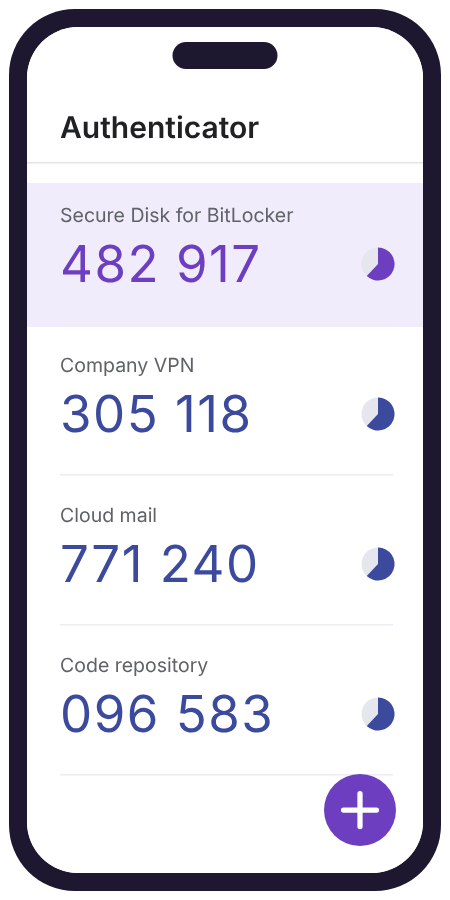
Free, widely used app that shows 6-digit codes for all your accounts, with optional backup to your Google Account.
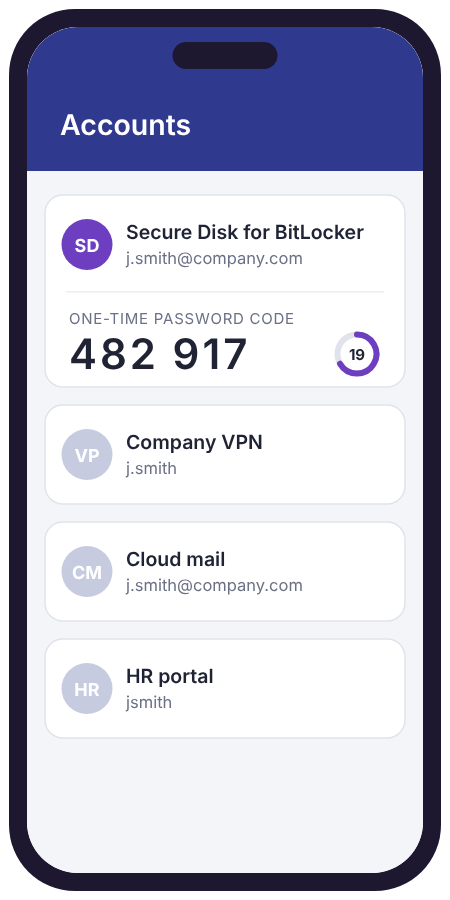
Free app for Microsoft and Entra ID accounts that also creates standard one-time codes for other services.
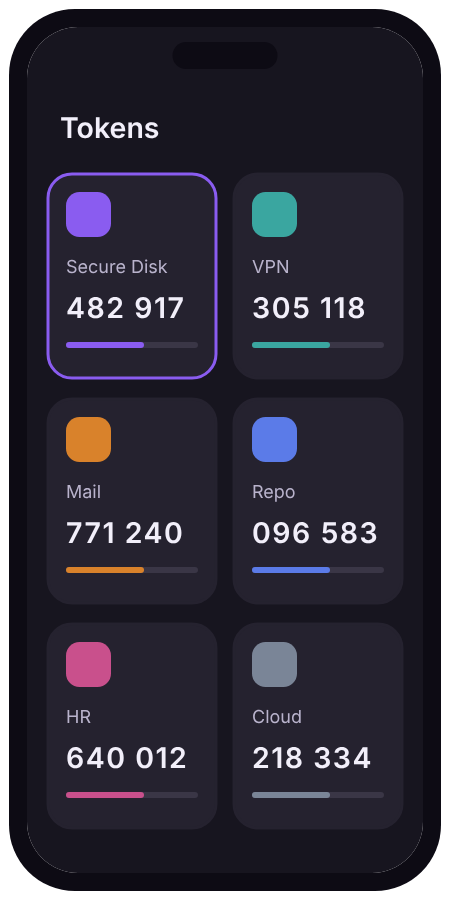
Open-source authenticator app for iOS and Android, supporting TOTP and HOTP codes.
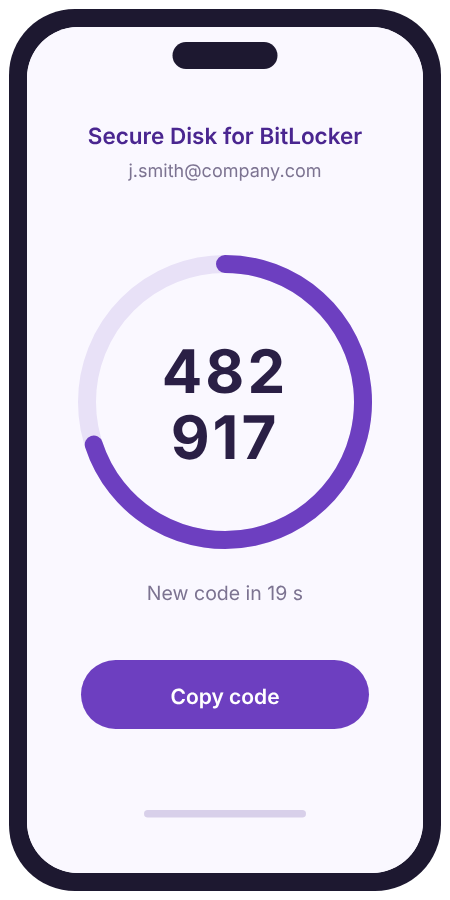
Many other apps and password managers with built-in authenticators follow RFC 6238 and work as well.
Illustrations are symbolic and do not show the actual apps. Using a different app? Ask us about compatibility.
Strong pre-boot protection without buying or managing hardware tokens.
Notebooks on the road stay locked until the owner enters the code, with or without reception.
Protect hundreds of devices quickly: users enrol on first use with a QR code, no shipping needed.
Affordable device protection with apps students and staff already have.
Protect patient data on notebooks without extra hardware at every workstation.
Grant and revoke pre-boot access quickly, without handing out physical tokens.
Secure Disk for BitLocker is licensed per Windows device, regardless of how many users work on it. OTP authenticator app support is available from USD 50 per endpoint.
Volume pricing applies to larger roll-outs. Maintenance and support are available for 1, 2 or 3 years. Request a quote tailored to your number of devices.
Request your personal quotePerpetual licence plus optional maintenance. Smartphones and apps are not included. Prices exclude VAT.
Tell us about your environment and the apps your users have, and our team will show you how OTP pre-boot authentication fits in, with a live demo and a quote tailored to you.